
Counter.gd
A counter is based on the client-server model. It should only on the home page automatically generated source code is copied and inserted on your home page. The rest is done www.counter.gd. The following values are represented: - Domain - Visitors to time on-line (in the last 5 minutes) - Visitors today - Visitors in the last 30 days - Visitors total - Last impression (date and time) - Impressions in the last 30 days - Impressions total - Display of the visitors of the last 30 days over bar chart - Display of the side calls of the last 30 days over bar chart For Joomla / Mambo: You have to fetch only a Counter-ID from www.counter.gd, download & install the module and register the Counter-ID under attitudes. The module offers different attitudes (like representation of the counters, button style etc.). Your statistics is available thereafter over a Button (a picture on your Web operational readiness level appears).


 Auction Theme: Start your own auction website today. (New 2022) - Download Now!Sponsored
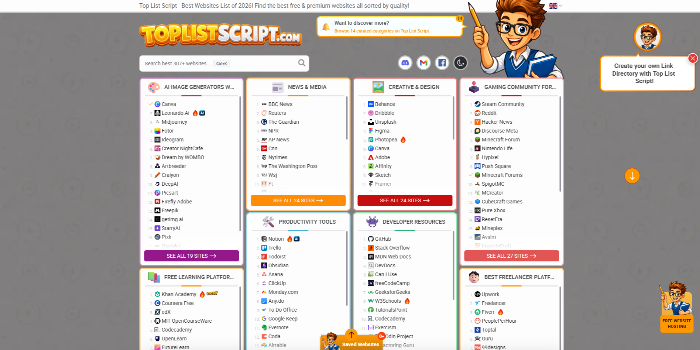 PHP Link Directory Script - Top List Script & Website Review ScriptSponsored
 Micro Jobs Theme - Setup a website like Fiverr today *New 2022*Sponsored
Monitoring Spot Instance Prices and Migrating Instances to Optimal Types/Regions
Automatically monitoring AWS Spot instance prices and moving servers to better instance types or regions for maximum sav
Overall cost optimisation by monitoring AWS Cost Explorer
Analyse AWS costs using Cost Explorer and suggest practical ways to reduce monthly bills.
AWS S3 Glacier Low Cost Deep Archive configurations
Configure S3 Glacier Deep Archive for ultra low-cost long term data storage.
AWS Instance & Volume Protection Monitoring Service
Monitoring and protecting up to 10 AWS instances/volumes by enforcing safe deletion settings, with pricing adjustable fo